
Basant Club App
How to check the Basant Club app before you trust an install file. This page does not store the APK. Read the address the download button opens, then decide.
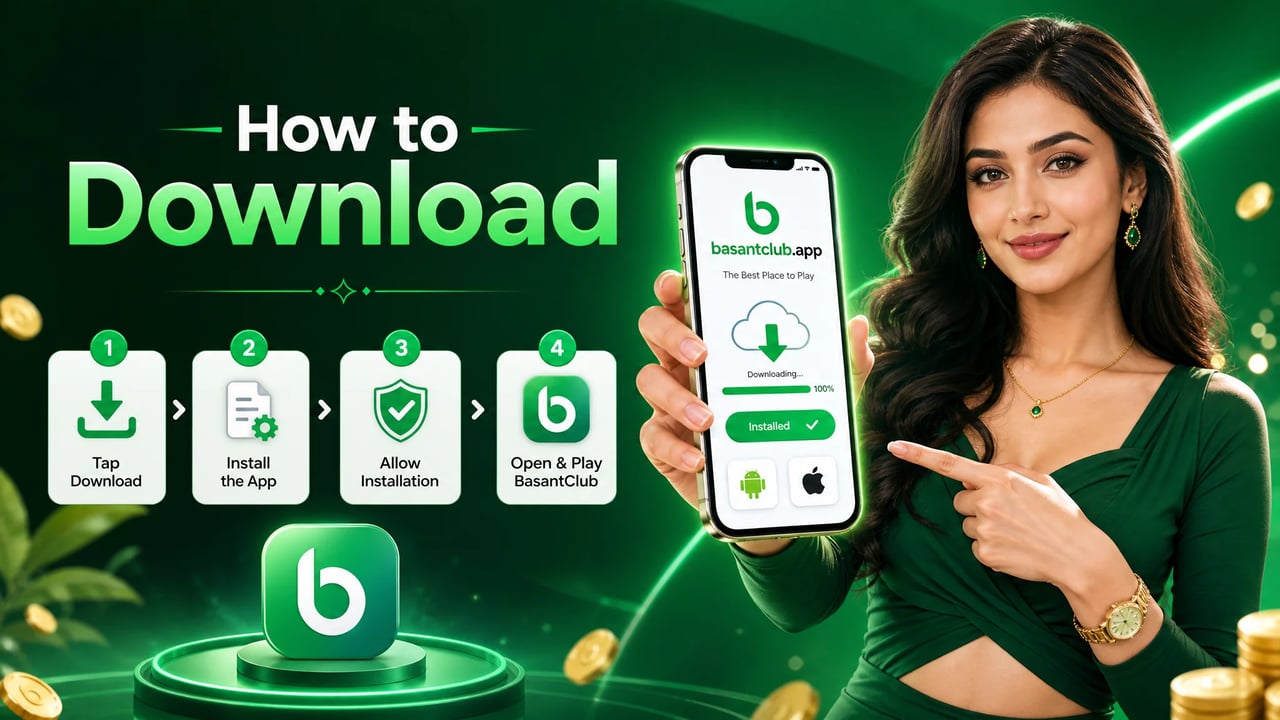
What the app is for
The Basant Club app is the mobile way to open an account, sign in, and play. Adults in Pakistan use a registered mobile number and a password. The compact name basantclub refers to this same app.
This page explains the install. It does not list a guaranteed catalog of games, a player count, or a payout. After the file is on your phone, the login steps are the next page. If you do not have an account yet, read the register steps before you look for a bonus banner. The overview article is the plain description of the product.
Where the install should come from
Use the verified download button at the top of this page. It leaves this site for the Basant Club file on GamingHub. Read the full address before the download starts. If it is a short link or a lookalike domain, stop.
This website does not store the APK. The button is the only install link in the page body. Files from WhatsApp, Telegram, email, or a copied download site are not a second official source. The install article repeats that rule with the permission checks beside it.
Android checks before you install
These steps are checks, not a promise that every file is safe. Stop at the first one that fails.
1. Open the verified download page
Use the verified download button on this page. Read the full address before the file starts.
2. Reject copies
Do not install a file from WhatsApp, Telegram, email, or a site that only copied the Basant Club name.
3. Read the permission list
A game needs a network. It does not need your contacts or messages. Stop if the file asks for access it never explains.
4. Keep phone protection on
Leave the phone’s built-in security checks enabled. Do not turn them off because an install page tells you to.
5. Confirm you are allowed to continue
Open the app only if you are 18 or older and the rules where you live allow real-money play.
Keep the phone’s built-in protection on. An install page that tells you to disable it is a reason to close the page and reread the copied-page article.
iPhone: confirm a listing exists
Do not assume the Basant Club app is on the public store. Look for a listing whose developer name matches the channel you already trust. A similar icon is not that match.
Ignore a message that says the store is unavailable and then offers a configuration profile or an enterprise certificate. That is not an iPhone install step on this site. If no listing exists, stay on Android checks or wait. The about page explains why this site will not invent a store link.
If a file already looks wrong
Remove it
Uninstall the app before you open it again. Do not “just check” the account inside a file you distrust.
Scan the phone
Use a security app you already had installed. Then change any password you typed while the file was open.
Start over
Return to the verified button on this page. Do not reuse the chat link that delivered the first file.
If the password was entered, change it from the real login screen on a phone you control. The login problems article covers a reset that depends on OTP. You must be 18 or older to continue at all.
After a clean install, open the Basant Club app from the phone’s own app list. The first screen should be the product you expected: a place to sign in or to create an account. It should not immediately demand contacts, a wallet PIN, or a payment to “activate” the file. Activation fees asked before login are a reason to uninstall and reread the overview.
Updates follow the same path as the first install. When the app itself offers an update, you can accept it there. When a person sends a newer file, treat it as a new unknown file and start the checks again. The register page is the next stop only after the file is one you trust, and only if you do not already have an account. The terms say this site does not store the APK.
Storage and battery matter only as practical checks. Free a little space so the install can finish, and keep the phone awake until the file is open. Neither of those is a reason to turn off security tools. If the download stops halfway, delete the partial file and use the verified button again. Do not switch to a mirror someone posts in a comment. The article index includes the longer install note if you want it beside these steps.
How to read the download address
The button at the top leaves this website. Before the file starts, look at the full address in the browser, not the button label. A correct handoff uses the GamingHub path for Basant Club. Extra words jammed into the domain, a string of random characters where the brand should be, or a jump through a link shortener are reasons to close the tab and return here.
Android may ask you to allow installs from the browser. That prompt is about the source you just opened. It is not an instruction to turn off Play Protect, to disable the lock screen, or to grant the file access to SMS and contacts. If the page says the game will not run unless those protections are off, you are no longer on an install step from this site. The install article lists the same refusal in longer form.
After the icon appears, open it once from the app drawer and stop if the first screen is a payment demand, a document upload, or a second download. A normal first screen is a place to sign in or to create an account. Use the login steps or the register steps for that choice. You still have to be 18 or older, and this page still does not host the file.
Phone checklist
Before the file opens
- You started from the button on this page
- You read the full download address
- The file did not arrive in a chat or email
- Permissions match a game, not a contacts grab
- Phone protection is still switched on
- You are 18 or older
- You know the login steps for after install
Storage
Leave room for the install and a later update. A full phone fails in a way that looks like a bad file.
Network
Use a connection you trust. A public hotspot is a poor place to fetch an install file.
Lock screen
A device lock stops a lost phone from opening the account you just created.
Read the install article
It stays on address, permissions, and what to delete. It does not add a second download button.
Important Safety & Eligibility Notice
Age Eligibility
Basant Club is for adults 18 and older. A parent’s permission does not make a minor eligible.
Local Regulations
Real-money apps may be limited by the law where you live, including in Pakistan. You are responsible for checking that rule before you join.
No Guarantees
This website does not promise winnings, bonuses, or withdrawals. Real-money play can lose money.
Verify Official Information
Confirm fees and payment methods inside the app. This website explains the steps and cannot see your account.